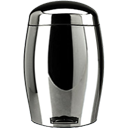
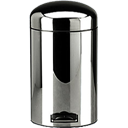
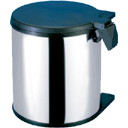
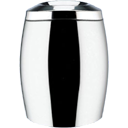
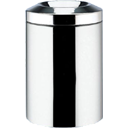
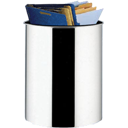
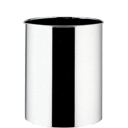
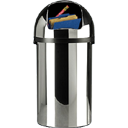
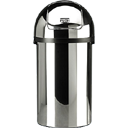
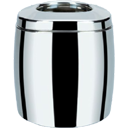
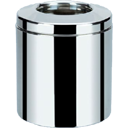
Different models of trash can icons, with the respective full and empty status.
Contents: 6 Different Models, 5 with their respective Full and Empty Status.
Icons: 11
Resolution: from 16x16 to 128x128
Notes: FOR WINDOWS XP! They can be changed using windows*, or with any
replacement program, like microangelo, icon packager, Or try it on docks.
Check my website for more icons and tutorials made by me http://i-cons.tk
(More icons, and tutorials on how to get 128x128 icons on Windows XP)
*To be changed under windows:
1. Right Click the desktop, select Properties
2.Go to the "Desktop" Tab, and click customize Desktop button.
3. In the scroll menu, browse the respetive trash icon, and change it, by clicking
"change", browse the new icon, and accept the change.
--------------------------------------------------------------------------
Notice
Graphics and names are of their respective owners, I did the graphic editing, the misuse
of this icons is not responsability of the author. All the graphic editing, and icon
was made by me.
----------------------------------------------------------------------------------
Check my website for more icons and tutorials made by me http://i-cons.tk